Finding Relevant Stack Overflow Solutions Quickly
The Stack Overflow Paradox
Stack Overflow has answers to almost every programming problem you'll encounter. This is wonderful and simultaneously the core of your problem: you search for "async array map" and get 47,000 results. Some are asking about JavaScript, some about Python. Some are about the old async/await syntax, some about Promises, some about generators. Some have 50,000 upvotes, some have 0. Some are from 2012 and describe deprecated approaches, some are from 2025 and reflect current best practices.
You need the answer to your specific problem, not the answer to a broadly similar problem. The challenge is filtering through thousands of "close but not quite" solutions to find the one that matches your constraints.
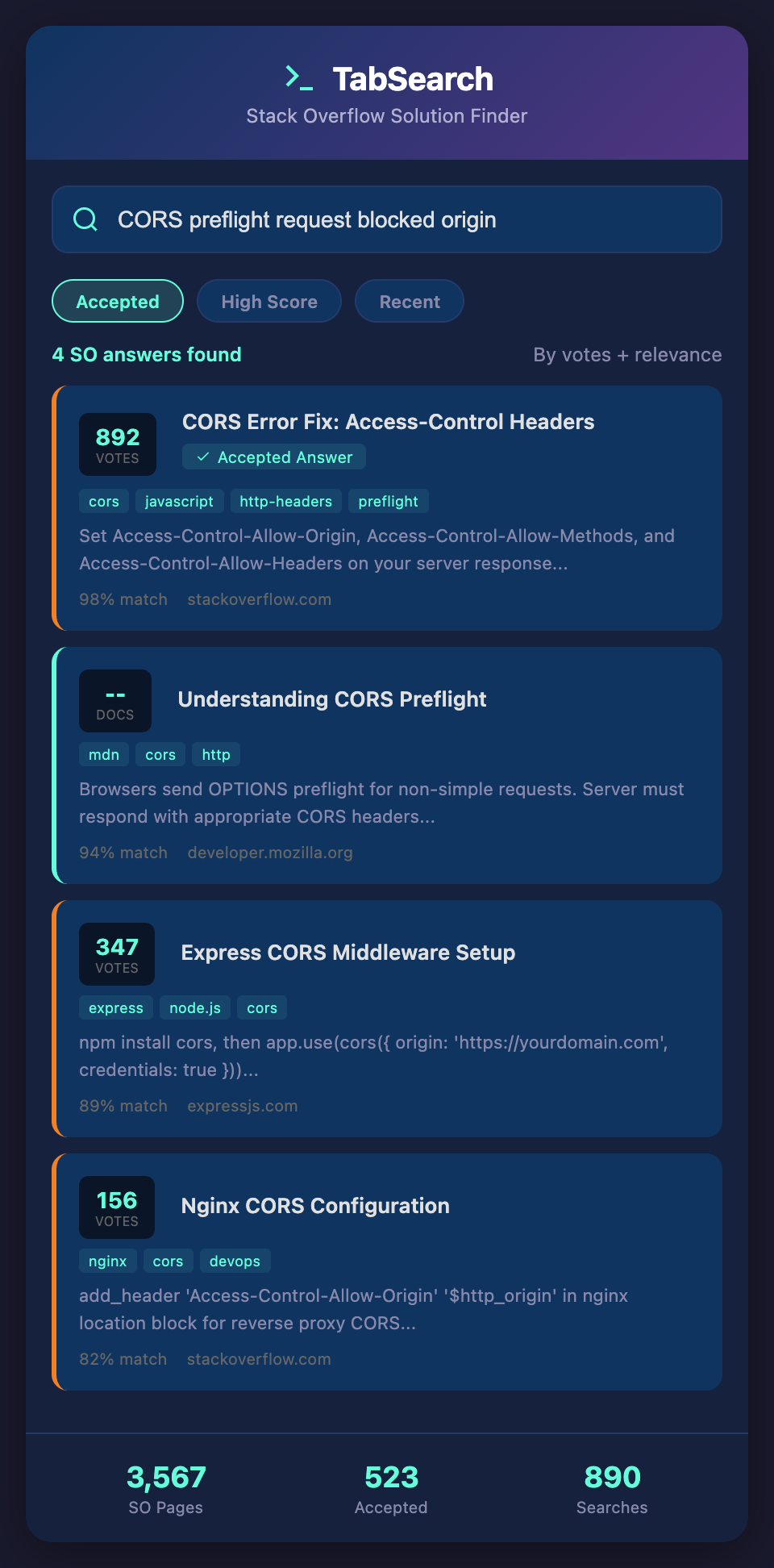
Why Stack Overflow Search Is Fundamentally Limited
Stack Overflow's search is good at finding pages that contain your search terms. It's not good at finding pages that solve your specific problem:
Terminology varies: The problem you're facing might be called "race condition" or "timing issue" or "concurrent execution." Stack Overflow has answers for all three, but only if you search the right term.
Context is invisible: Your problem might be specific: "How do I avoid race conditions in React event handlers?" But when you search, you get general race condition answers (not React-specific) and React event handler answers (not race condition-specific).
Upvotes don't indicate relevance: A highly upvoted answer might solve a different version of the problem than what you're facing. It's popular because it solved a common case, not because it solves your case.
Answer quality and recency don't correlate: A 2012 answer with 30,000 upvotes might use deprecated APIs. A 2025 answer with 10 upvotes might be the perfect solution but hasn't had time to accumulate votes.
Duplicate detection works only for identical questions: If your problem is "How do I debounce in React 18 with class components?" you get marked as duplicate of "Debounce in React" (older, covers functional components), and you're directed to an answer that doesn't actually solve your problem.
Closures and scope problems: The system tries to close duplicate questions, but problems with subtle variations keep spawning new questions. You might find 5 variations of your problem, and they each have different accepted answers.
The Stack Overflow Research Process
Here's how developers typically research on Stack Overflow:
-
Search a general term: "how to debounce"
-
Scan titles looking for relevance: "Debounce with hooks," "Debounce in vanilla JS," "Debounce with RxJS"
-
Open the most relevant-looking one
-
Read the accepted answer (often the correct approach)
-
If it doesn't fit your constraints, open another tab and try a different result
-
Repeat until you find something close enough
The problem: this involves guessing. You're scanning titles and guessing which one will have your answer. Often, you're wrong, and you've wasted five minutes reading a solution that doesn't apply.
Advanced Stack Overflow Search Techniques
Search with Constraints
Use Stack Overflow's advanced search operators to filter before you read:
-
[javascript] debounce- Only JavaScript results -
[react] [typescript] hooks- Multiple tag requirements -
score:>100- Only highly voted answers -
is:answer- Only answers, not questions -
created:>2023- Recent posts only
Example search: [react] [typescript] debounce score:>50 created:>2024
This dramatically reduces noise. Instead of 47,000 results, you get 50. Instead of guessing, you're reading signal.
The "Best Recent Answer" Pattern
When searching, prioritize:
-
Answers with highest score (community validation)
-
Within the last 2-3 years (not deprecated)
-
Multiple upvoted answers (if there's only one answer, it might not be complete)
If the top answer is from 2015 but there are multiple answers from 2023 with decent scores, read the recent ones first.
The "Answer Comparison" Technique
When you find multiple reasonable answers, open them in different tabs and compare:
-
Does Answer A explain why the approach works?
-
Does Answer B show error handling?
-
Does Answer C address the edge case I'm concerned about?
Often, the accepted answer is good but incomplete. The third answer might address exactly your constraint.
The "Accepted Answer + Comments" Pattern
The accepted answer gets highlighted, but comments sometimes contain crucial caveats:
"This works great, but watch out for [specific issue]"
"In React 18, this behavior changed. See [issue link]"
"This approach is deprecated. Use [new approach] instead"
Always skim comments on accepted answers before implementing.
The Contextual Search Problem
Stack Overflow works well for single-term problems: "How do I reverse a string?" But it works poorly for multidimensional problems: "How do I debounce API calls in React with proper error handling and TypeScript typing?"
When you search for that exact phrase, you get fewer results than searching each component separately. You have to decompose the problem into simpler searches and mentally integrate the answers.
Building Your Personal Stack Overflow Strategy
Curate Your Search Process
Before searching, write down your constraints:
Problem: Debounce input validation in React
Constraints:
-
Must work with functional components (hooks)
-
Must handle rapid input without API calls
-
Must show validation errors
-
TypeScript typing required
-
React 18+
Now search specifically: [react] [typescript] debounce input validation is:answer score:>20
This is more focused than a general search.
Save Useful Answers
Don't just click and read—save answers that solve your problem. Stack Overflow has a "Save" feature. After implementing a solution, save the answer for future reference. Over time, you build a personal library of vetted solutions.
Create a Personal FAQ
Maintain a document of common problems and their Stack Overflow solutions:
## Common React Patterns

### Debounce Input

[Top answer](stack overflow link)

Key points: useCallback, useRef for timeout, array dependencies

### Error Boundaries

[Stack Overflow link]

Key constraint: Doesn't catch event handler errors, only render errors

### Ref Forwarding

[Stack Overflow link]

Pattern: Use forwardRef wrapper for component props

When you need a pattern next time, check your FAQ first.

## The Fundamental Limitation

The core issue is that Stack Overflow's search is URL-based, not problem-based. It finds questions containing your search terms. But your problem might be slightly different from any single question. You need synthesis: part of this answer, part of that answer, adapted for your constraints.

You need search that understands multi-dimensional problems. "Debounce in React with TypeScript" where the search understands that it's looking for the intersection of three concepts, not pages containing those three terms.

## Optimizing Your Stack Overflow Workflow

1. **Write down your constraints before searching** - Be specific

2. **Use advanced search operators** - Tag filtering, score filtering, date filtering

3. **Prioritize recent, highly-voted answers** - They're vetted by the community

4. **Read comments on accepted answers** - They often contain important caveats

5. **Maintain a personal FAQ** - Don't re-search solved problems

6. **Compare multiple answers** - The accepted answer isn't always the best for your case

The developers who spend the least time on Stack Overflow aren't the ones finding answers quickly—they're the ones who've built a library of past solutions and search that first before going to Stack Overflow.

**Ready to spend less time searching and more time solving?** Join developers building efficient research workflows. Add your email to our waitlist for early access to tools that index and make your past solutions instantly searchable.