Keeping Track of Framework Version Compatibility Issues
The Version Fragmentation Problem
You're building a feature that uses React 18, but the team still has legacy code in React 17. You need hooks guidance, so you open the React 18 docs. But some of your code is in the old version, which has different hook rules. You open the React 17 docs in a separate tab. Then you realize the company's legacy component uses an older lifecycle method that was deprecated in both versions, so you need the React 16 migration guide. Now you have three tabs of React documentation for a single codebase.
This isn't specific to React. It's universal:
-
Frameworks have breaking changes: React, Vue, Angular, Django, Rails—all introduce breaking changes between versions. A syntax, API, or behavior that works in version N doesn't work (or works differently) in version N+1.
-
Codebases have mixed versions: Large projects rarely upgrade everything simultaneously. You have legacy components on older versions, new features on current versions, and maybe intermediate versions for specific packages.
-
Dependencies complicate it: You're on React 18, but your routing library only works with React 17, so you're pinned to React 17. You look up features expecting React 18 behavior but implement with React 17 constraints.
-
Documentation assumes a single version: Official documentation usually covers the latest version (and maybe one or two prior versions). Finding docs for version 3 of a library when you're working with version 5 is difficult. The docs either don't exist online or are hard to find.
Why Version Compatibility Documentation is Scattered
Different frameworks handle version documentation differently, and none are ideal:
The "single version" approach: Some frameworks only maintain docs for the current version (e.g., Python 3 official docs). Older version docs are archived or removed. Finding Python 3.7 documentation when you're maintaining legacy code requires knowing it exists and finding an archive site.
The "versioned docs" approach: Frameworks like React and Next.js maintain multiple version docs with a version selector. This is better but requires explicitly selecting the version, and your tabs don't preserve version metadata. You might have "Hooks API" open without remembering if that's v17 or v18.
The "changelog only" approach: Some frameworks provide migration guides (Changelog) but not full parallel documentation. You know what changed, but you have to infer the old behavior from the changelog.
The "forum approach": For older versions, documentation might exist only in forums, archived blog posts, or Stack Overflow. Searching for "React 16 lifecycle methods" yields results from discussions, not official sources.
Tracking Compatibility Issues in Practice
The Version Matrix
Before starting significant work, map your code's version landscape:
## Project Version Status (2026-03)

### Core Framework Versions

| Package | Version | Legacy | New | Notes |

|---------|---------|--------|-----|-------|

| React | 17 | 60% | 40% | Upgrading new features only |

| TypeScript | 4.8 | 100% | - | Pinned by CI config |

| Next.js | 12 | 100% | - | Blocked on React upgrade |

### Key Breaking Changes

- React 18: Automatic batching (async state updates)

- Next.js 13: App Router vs Pages Router

- TypeScript 5.0: const type parameters (not needed in our code)

### Constraint Matrix

- @react-form requires React <18

- react-query v4 requires React 17+

- next-mdx requires Next.js 13+

This document becomes your reference. Before opening documentation, check the version matrix. Before implementing, know which version you're in.

### The Compatibility Tab Pattern

When you need to compare behavior across versions, use naming to be explicit:

- `[React 17] Hooks Rules`

- `[React 18] Hooks Rules`

- `[Migration Guide] React 17→18`

This makes it clear which version you're referencing, preventing the confusion of "is this correct for our version?"

### The Deprecation Watch

As you encounter deprecated features, document them:

```javascript

// DEPRECATED in React 18: componentWillMount

// Still works in our codebase (on React 17) but will break on upgrade

// Replacement pattern: useEffect hook

// Task: Replace in src/components/LegacyHeader.jsx before React 18 upgrade

// SAFE in React 17, NEW in React 18: automatic batching

// Be aware: multiple state updates in event handlers batch differently

// Review: src/hooks/useFormState.ts may need batching-aware optimizations

This creates a searchable record of compatibility land mines.

## The Core Problem: Fragmented Version Documentation

The fundamental issue is that framework versions are documented separately, often on different sites or different URL paths. When you're context-switching between versions, you're also context-switching between documentation locations.

Imagine needing to understand "how hooks work in React 17 vs. React 18." You open the React 17 docs (now archived, hard to find), and the React 18 docs (current, featured prominently). You read the same concept in both places, comparing carefully to understand the differences. But the differences might be implicit. The hooks API might be identically documented, and you have to infer that the difference is in batching behavior, not hooks themselves.

Compare this to what you need: "hooks in my current version" with a clear note about what changed in new versions and what doesn't apply to legacy versions.

## Building a Personal Compatibility Reference

Start by creating a searchable compatibility guide specific to your project:

```markdown

# MyProject Compatibility Guide

## React Versions

### 17 Features

- useCallback/useMemo support

- Conditional rendering via {condition && <Component />}

- Event delegation with event pooling

### 18 Features

- Automatic batching (state updates don't batch in callbacks)

- useTransition (priority updates)

- useDeferredValue

### Migration Blockers

- Can't upgrade to 18: @react-form v5 incompatible

- Can't downgrade to 16: require useEffect array syntax

## When to Use Which Version

- New components: React 18 patterns

- Legacy components: React 17 patterns (no need to update)

- Shared libraries: React 17 patterns (lowest common denominator)

This document becomes searchable reference during development, eliminating the need for multiple tabs and reducing uncertainty about which version you're in.

## The Unified Version Search Problem

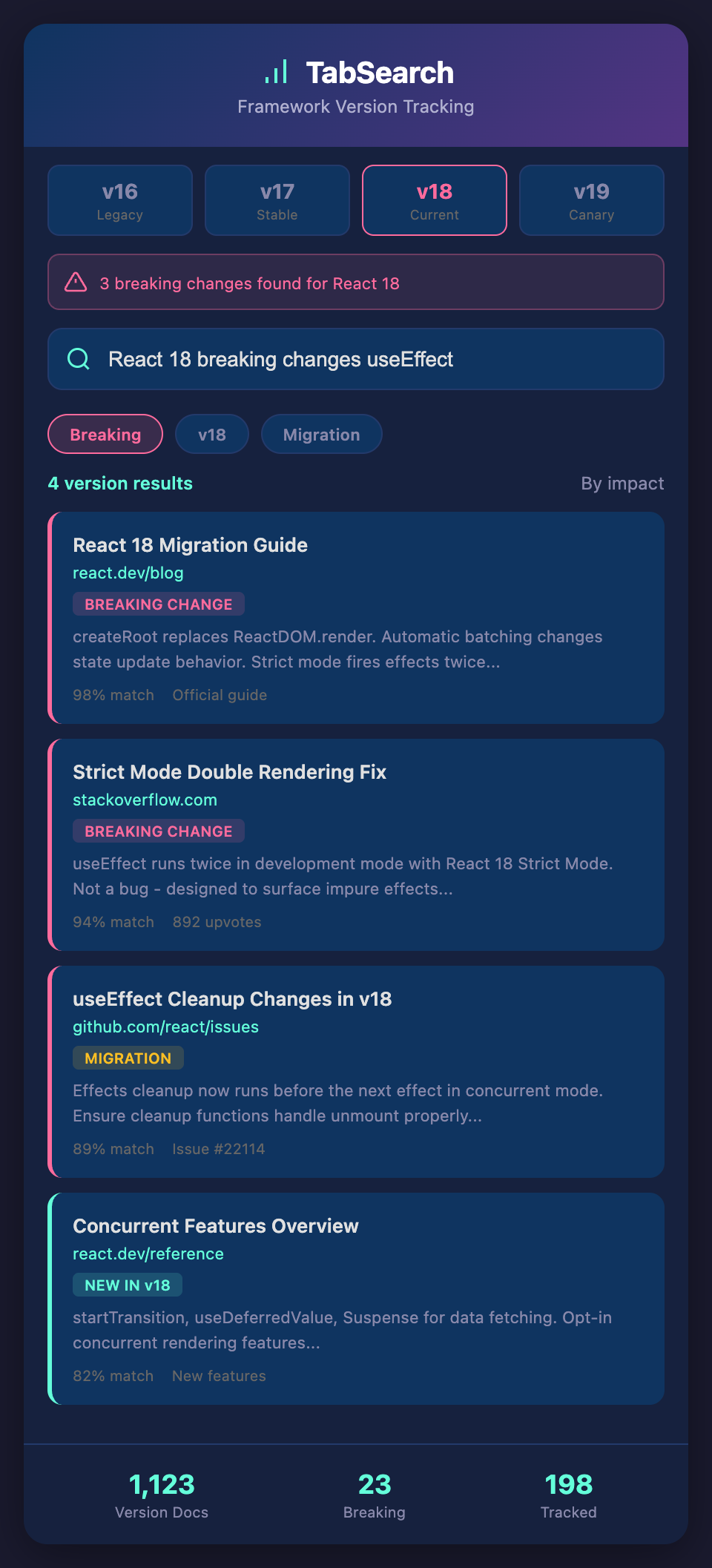
What would truly solve this is full-text search across multiple versions simultaneously. Search "state batching" and see it mentioned in React 17 docs and React 18 docs side-by-side, with highlighted differences. Search "lifecycle methods" and see what's available in each version.

This would make cross-version development dramatically faster. You wouldn't maintain separate tabs for each version; you'd search once and see the relevant information for all relevant versions.

## Starting Today

1. **Create a version matrix** for your project

2. **Document version constraints** explicitly

3. **Tag your code** with version-specific notes

4. **Maintain a compatibility guide** specific to your codebase

5. **Use consistent tab naming** when researching across versions

As your codebase and team grow, these practices become invaluable. They're the foundation for managing the complexity that multiple versions introduce.

**Ready to stop version confusion in your codebase?** Join developers building better version tracking practices. Add your email to our waitlist for early access to tools that index documentation across framework versions.