Searching for Code Examples Across Browser History
The Forgotten Code Snippet Problem
You're implementing a feature, and you vaguely remember seeing a perfect code example—somewhere. You know you've seen it because you even thought "I should save that," but did you? Now you're scrolling through browser history, trying different search terms, jumping between Stack Overflow, GitHub, official documentation, and blog posts, trying to reconstruct the pattern.
Even worse, you might find a similar example but realize it's not quite the pattern you remember. Was there error handling in the version you saw? Did it use the async/await version or callbacks? Did the example show both success and failure cases? You spend 20 minutes searching and end up coding it from memory or finding a "close enough" solution.
This happens constantly to developers because of a fundamental mismatch: you discover and consume code examples passively (while researching, debugging, learning) but need to access them actively (during implementation). Browser history is designed for URLs, not for the specific code patterns within those URLs.
Why Browser History Search Fails
Standard browser history search has severe limitations:
Page-level indexing: History finds pages, not the code snippets within them. If you search "debounce function," you find pages that mention debounce, but not the specific pattern you're looking for.
No context preservation: You can find a page, but do you remember which section of the page contained your target code? Was it a main example or a buried comment?
No filtering by quality: Browser history treats a SO answer with 50 upvotes the same as one with 0 upvotes. You remember the solution being popular, but can't filter by that.
No pattern similarity: You're looking for "async function that retries," but browser history doesn't understand pattern similarity. It only does text matching.
No cross-source synthesis: The best pattern might involve seeing three different implementations (one from a blog, one from the docs, one from a library), but history doesn't help you reconstruct that research path.
Workarounds Developers Currently Use
The Gist Collection
Some developers maintain a GitHub Gist collection of code snippets they discover. It's searchable, versionable, and shareable:
// https://gist.github.com/yourname/debounce-function

// Debounce function with cancelation support

// Found in: [blog post about React performance]

// Use case: Throttle API calls during rapid input

function debounce(func, wait, immediate = false) {

  let timeout;

  return function executedFunction(...args) {

    const later = () => {

      timeout = null;

      if (!immediate) func(...args);

    };

    clearTimeout(timeout);

    if (immediate && !timeout) func(...args);

    timeout = setTimeout(later, wait);

  };

}

**Advantage**: It's searchable and organized.

**Disadvantage**: It requires discipline to maintain. Most developers don't consistently save snippets they find. It's passive collection, and you have to remember to save.

### The Project Snippets Folder

Keep a `_snippets` or `examples` folder in your project with patterns you've discovered:

src/

  _snippets/

    retry-logic.js

    debounce-function.js

    cache-invalidation.ts

    error-handling-patterns.md

When you need a pattern, you check local snippets first, then search online.

**Advantage**: It's part of your project, available offline, and team-shareable.

**Disadvantage**: Only captures patterns you explicitly saved. Doesn't help find examples you've seen but not saved.

### Browser Reading List

Some browsers have built-in reading lists or pocket-like features. You can save articles, which makes them more discoverable than history:

**Advantage**: Saved pages are separate from general history and easier to filter.

**Disadvantage**: You still can't search *within* the content of those pages. You're still doing page-level searching.

### Systematic Bookmarking

Maintain a bookmark folder hierarchy:

Code Examples/

  JavaScript/

    Async & Promises/

      error-handling-patterns

      retry-logic

    Performance/

      debouncing

      throttling

    Caching/

      ...

  Python/

    ...

  CSS/

    ...

Over time, this becomes a reference library. You can browse categories directly.

**Advantage**: Well-organized and browseable. Faster than searching history.

**Disadvantage**: Requires consistent organization discipline. Hard to search. A pattern might fit in multiple categories, forcing hard choices. New developers to a team don't know the bookmark structure.

## The Discovery vs. Recall Problem

The fundamental challenge is that code examples are discovered passively but recalled actively. You stumble upon a great pattern while researching—you're deep in documentation, reading examples, learning. Then weeks later, you need that pattern and you can't recall where you found it.

Traditional solutions (Gists, bookmarks, snippets folders) only work if you explicitly save during the discovery phase. But discovery is a learning activity—you're not thinking about long-term search. You're learning. Most developers don't save most of what they discover.

## A Better Search Approach

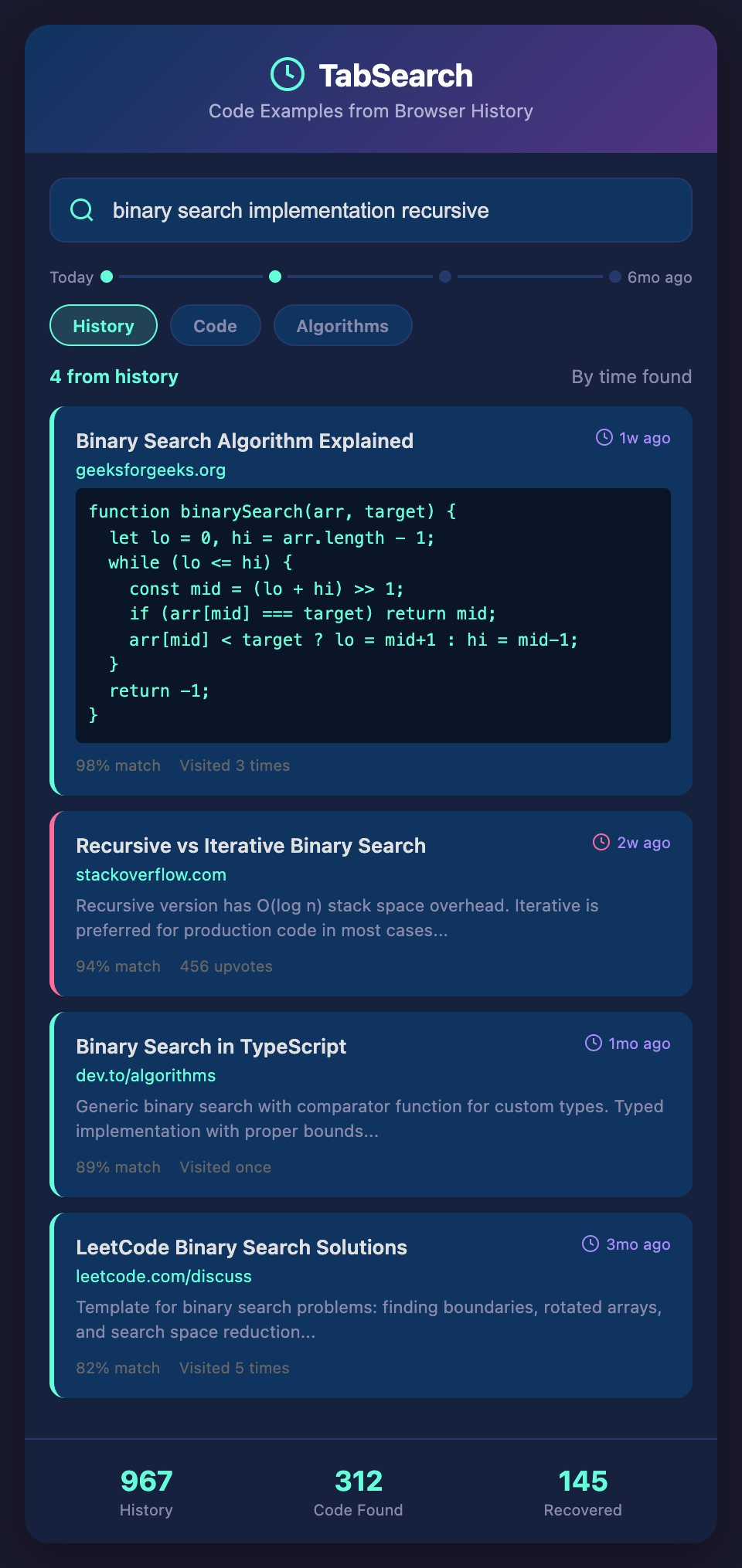
**Automatic content capture** would change this equation. What if every page you visited was automatically indexed and searchable? Not just the URL, but the full text content of the page. When you need a debounce function, you search your history for "debounce," and it shows you every page you've visited that contains that term, ranked by relevance.

**Snippet-level indexing** would go further. Rather than finding pages, you find specific code blocks within pages. Search "async retry," and see the exact code examples from three different sources you've visited.

**Pattern preservation** would let you tag code examples when you see them, even passively. While researching, you notice an excellent error handling pattern. One click marks it as important. Later, when you search, marked examples rank higher.

**Connection discovery** would show you how different examples relate. You're looking at a debounce pattern, and the system shows you related patterns you've seen: throttling, memoization, and caching. This builds comprehensive understanding faster than searching.

## Implementing Better Code Example Search Today

While waiting for better tools, improve your search capability:

1. **Use specific bookmarks** for pattern types, not broad categories. Instead of "JavaScript Async," use "Promise-based retry pattern" as the bookmark title.

2. **Maintain a searchable snippet file** in your editor of choice. Include context about where you found it and why it's useful:

```javascript

// DEBOUNCE - Delay function execution after rapid calls

// Source: https://example.com/react-performance

// Use: Input validation, API call throttling

// Similar patterns: throttle, memoization

function debounce(fn, delay) { ... }

3. **Use your browser's search-in-history feature** with very specific queries. Instead of "debounce," search the pattern you need: "debounce with cleanup" or "debounce cancelation."

4. **Create a searchable research log** when learning new domains:

```markdown

## React Performance Patterns Learned (2026-03)

- useMemo prevents component re-renders

  Found at: https://react.dev/reference/react/useMemo

  Example use: Expensive calculations in render

- useCallback stabilizes function references

  Found at: https://react.dev/reference/react/useCallback

  Related to: Dependency arrays, memoization

The goal is moving from "I remember seeing a code example somewhere" to "I have a searchable reference of patterns I've studied."

## The Long-term Solution

Eventually, developers need searchable content capture. Not surveillance, but automatic indexing of educational resources you visit. Full-text search across all your research. Snippet extraction and context preservation. This transforms code example search from a 20-minute archaeological dig to a 20-second indexed query.

The tools that enable this shift—capturing what you research, indexing how it's explained, making it retrievable when you need it—represent the next generation of developer productivity.

**Ready to stop re-discovering code patterns?** Join developers building searchable research habits. Add your email to our waitlist for early access to tools that make your code discoveries searchable and recoverable.